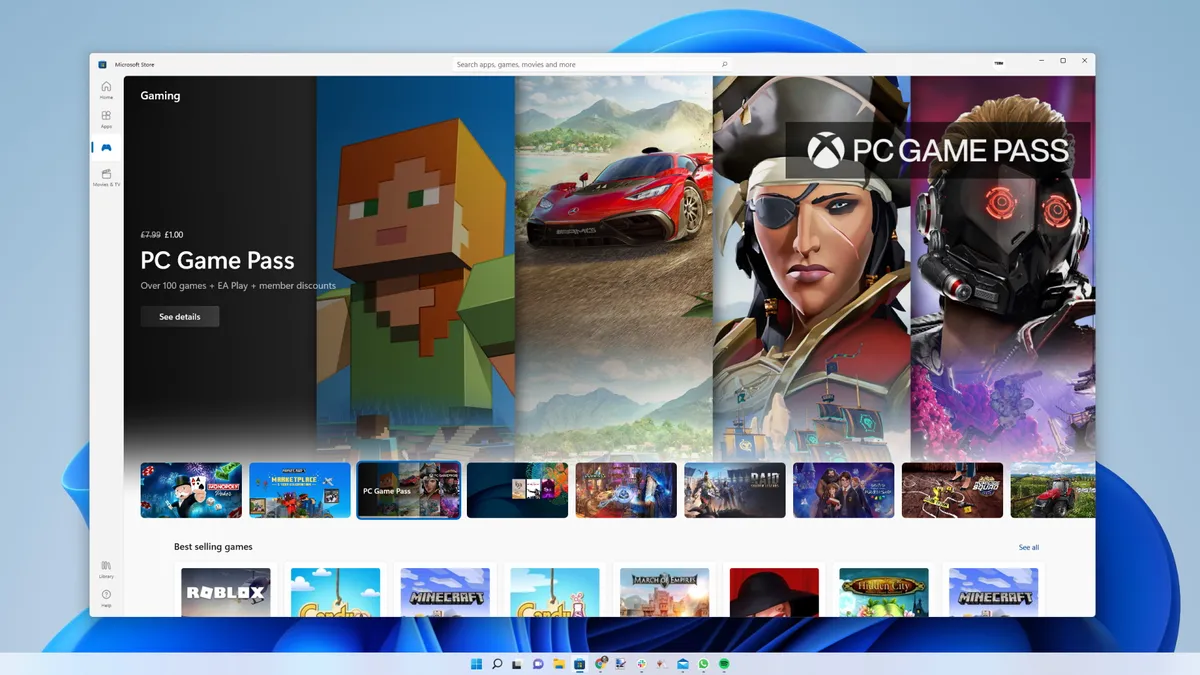
Microsoft has been maintaining two separate Windows options menus for generations now, but a new test project spotted and investigated by Windows Latest might pave the way for a single, discrete bit of software that can do it all. What looks like a new Windows Settings app has stealth dropped in on the Microsoft Store, and that alone might make it easier to update with new features and hopefully finally consolidate everything Control Panel does in one place.
Windows Latest discovered 'Project Odeon' in the Store, which shares the same icon as Windows Settings and resembles the usual Settings interface. Finding and installing the app apparently requires Windows 11 build 26100 or newer. I tried enabling developer mode and finding the app but I still couldn't see it, so perhaps it also requires you to be using an Insider build, or be based in a certain region.
It seems like there's a little bit of jank to the app at this point, as it shows different settings, unfinished pages, and some greyed out options, but that's to be expected for an early test application. Other areas, however, seem more extensive than the regular Settings app. For instance, towards the bottom of the Display settings page, you can see things such as your monitor's display path, HDR support, and SDR white levels.
WindowsLatest looked into the executables the app uses and calls on, and discovered the base executable can call on helper ones which require extra permissions to run. They seem to be modular add-ons related to tasks such as changing time zone or renaming the PC.
It's possible that Windows is simply using the Store for its testing of different functions for some specific reason and that none of this will translate to a discrete store-based Settings app. But it could also be that Settings eventually becomes an app store app, which would mean quicker and easier updates to it than having to wait for bona fide Windows Update.
Those who are still keen on using the Control Panel instead of the Settings app should also take heed, because the fact that more features and so on are being tested in something almost identical to the regular Settings app is just more sign that Microsoft is pulling away from Control Panel. To be clear, saying goodbye to Control Panel has been on the cards for at least a couple of years, now, and it doesn't look like Microsoft has changed its stance on migrating things over to the Settings app.
I'm personally okay with Microsoft moving everything from the Control Panel to Settings, provided the latter lets you do everything you could in the Control Panel, and that everything is easily accessible and suitably customisable. And to be fair to Microsoft, many of the changes to Windows 11 we've seen over the past few months have been pretty great.
1. Best overall:
Razer Blade 16 (2025)
2. Best budget:
Lenovo LOQ 15 Gen 10
3. Best 14-inch:
Razer Blade 14 (2025)
4. Best mid-range:
MSI Vector 16 HX AI
5. Best high-performance:
Lenovo Legion Pro 7i Gen 10
6. Best 18-inch:
Alienware 18 Area-51